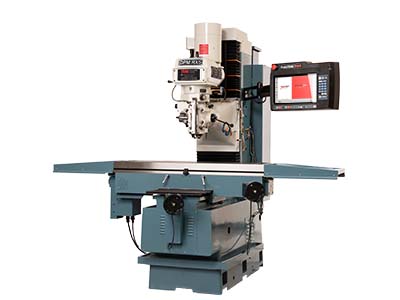
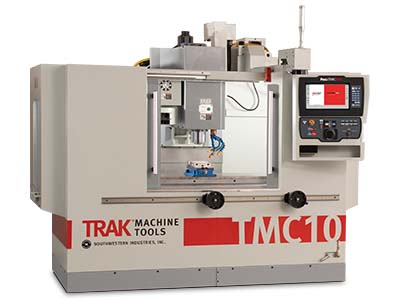
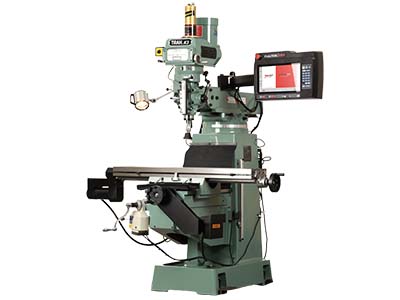
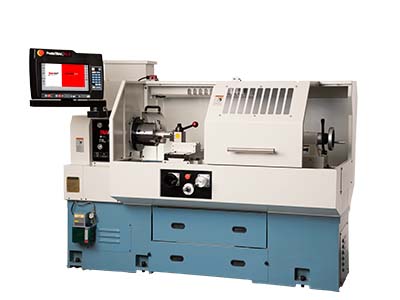
Base Product
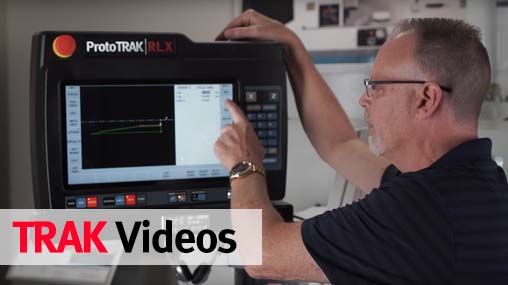
Even in its simplest and least expensive
form, the ProtoTRAK SMX is a powerful CNC
for toolroom work. Advanced technology
blends with the easy, natural user interface
that makes the ProtoTRAK the world's most
popular CNC for small lot milling.
Advanced Features Option
If more advanced capability is important
to you, the Advanced Features Option has
many productive routines such as the popular
Auto Geometry Engine™ and Spreadsheet
Editing™. These advanced features are
presented in the same, easy-to-use format
that makes the basic system so useful for toolroom work.
Networking/Memory Option
Advanced program storage including
networking helps you to organize, control
and back up program files right from your
CNC.
TRAKing / Electronic Handwheels Option
Electronic handwheels installed in the
table and saddle of the milling machine
extend the capabilities of the ProtoTRAK
beyond the ordinary. Manual milling is
enhanced with powerful GO TO and selectable
Fine/Coarse handwheel resolution. CNC
milling is revolutionized by the TRAKing
feature that gives you manual control over
your program run.
Programmable Electronic Head Option (not
available on ProtoTRAK retrofits)
This option replaces the standard vari-speed
head with an inverter-duty head to enable
programmable spindle speeds and tapping.
Features and specifications of the
ProtoTRAK SMX CNC
(O) indicates optional feature
ProtoTRAK System Hardware
- Two- or three-axis CNC, 3-axis DRO
- Real handwheels for manual operation
- 10.4" color active-matrix screen
- Industrial-grade Pentium® processor
- 256 MB Ram
- P/S 2 Keyboard connector
- 2 USB
connectors
- Override of program feedrate
- LED status lights built into display
- TEAC floppy drive
- RJ45 Port and Ethernet card (O)
-
Override of program spindle speed (O)
-
256 MB USB Thumb Drive flash memory (O)
- Uncluttered front panel with few
hard keys
- Integrated Ram and Quill encoders
resolve to one Z dimension
Software Features - General Operation
- Clear, uncluttered screen display
- Prompted data inputs
- English language - no codes
- Soft
keys - change within context
- Windows® operating system
-
Selectable two or three-axis CNC
- Color graphics with adjustable views
- Inch/mm selectable
- Convenient
modes of operation
DRO Mode Features
- Incremental and absolute dimensions
- Jog at rapid with override
- Powerfeed X, Y or Z
- Do One CNC canned cycle
- Teach-in
of manual moves
- Servo return to 0 absolute
- Tool offsets from library
- Go To Dimensions (O)
- Spindle
speed setting with manual override (O)
- Fine/Course handwheel resolution (O)
Program Mode Features
- Auto Geometry Engine (O)
-
Geometry-based programming
- 3-axis
geometry programming (O)
- Tool Path
programming (O)
- Scaling of print data (O)
-
Multiple fixture offsets (O)
-
Programming of Auxiliary Functions (O)
- Event Comments (O)
- Three-axis Geometry conversational
programming (O)
- Incremental and absolute dimensions
- Automatic diameter cutter comp
-
Circular interpolation
- Linear
interpolation
- Look -graphics with a
single button push
- List step -
graphics with programmed events
displayed
- Alphanumeric program names
-
Program data editing
- Program pause
-
Conrad - automatic corner radius
-
Programmable spindle speeds (O)
- Math
helps with graphical interface
- Auto
load of math solutions
- Tool step over adjustable for pocket
routines
- Pocket bottom finish pass
-
Selectable ramp or plunge cutter entry
-
Subroutine repeat of programmed events
-
Nesting
- Rotate about Z axis for
skewing data
- Mirror of programmed
events (O)
- Copy (O)
- Copy rotate
(O)
- Copy mirror (O)
Canned Cycles
- Position
- Drill
- Bolt Hole
-
Mill
- Arc
- Circle pocket
-
Rectangular pocket
- Irregular Pocket
(O)
- Circular profile
- Rectangular
profile
- Irregular Profile (O)
-
Circle Island (O)
- Rectangular Island
(O)
- Irregular Island (O)
- Helix (O)
-
Thread milling (O)
- Engrave (O)
-
Tapping (O)
Edit Mode Features
- Delete events
- Erase program
-
Spreadsheet editing (O)
- Global data
change (O)
- G-Code editor (O)
-
Clipboard to copy events between
programs (O)
Set Up Mode Features
- Program diagnostics
- Advanced tool
library
- Tool names
- Tool length
offset with modifiers
- Advanced
diagnostic routines
- Software travel
limits
- Tool path graphics with
adjustable views
- Program run time
estimation clock (O)
Run Mode Features
- TRAKing (O)
- Trial run at rapid
-
3D CAM file program run
- 3D G code
file run with tool comp
- Real time run
graphics with tool icon
- Countdown
clock to next pause or tool change (O)
Program In/Out Mode Features
- Simple program storage to floppy
- CAM program converter
- Converter
for prior-generation ProtoTRAK programs
-
DXF/DWG file converter (O)
- Selection
of file storage locations (O)
- Automatic file back-up routine (O)
- Preview graphics for unopened files
(O)
- Networking (O)
Control Options
Advanced Features Option
- Auto Geometry Engine
- Programmable Auxiliary functions
- 3-axis conversational programming
-
Additional Canned Cycles:
- Irregular Pocket
- Circle Island
- Rectangular Island
- Irregular Island
- Irregular Profile
- Helix
- Thread milling
- Engrave
- Tapping
- G-Code editor
- Countdown clock to next pause or
tool change
- Total program time
estimator
- Spreadsheet editing
-
Global data change
- Scaling of print
data
- Multiple fixture offsets
-
Event comments
- Tool path
conversational programming
- Mirror of
programmed events
- Copy with or
without offsets
- Copy Rotate
- Copy
Mirror
- Clipboard to copy events
between programs
Networking/Memory Option
- Directory/File/Folder Program
organization
- Automatic file back up
routine
- Preview Graphics for unopened
files
- USB Thumb Drive flash memory,
256 MB or more
- Networking via RJ 45
port
The DXF File Converter Option
- Import and convert CAD data into
ProtoTRAK programs
- DXF or DWG files
-
Chaining
- Automatic Gap Closing
- Layer
control
- Easy, prompted process you
can do right at the machine
CAM Out Converter Option
- Save ProtoTRAK files as CAM files
for running on different controls
TRAKing/Electronic Handwheels Option
- Electronic Handwheels on X and Y
(replaces the mechanical handwheels)
-
TRAKing of programs during program run
- Go To Dimensions
- Selectable Fine/Coarse handwheel
resolution